Tap to translate
Any screen, in your language.
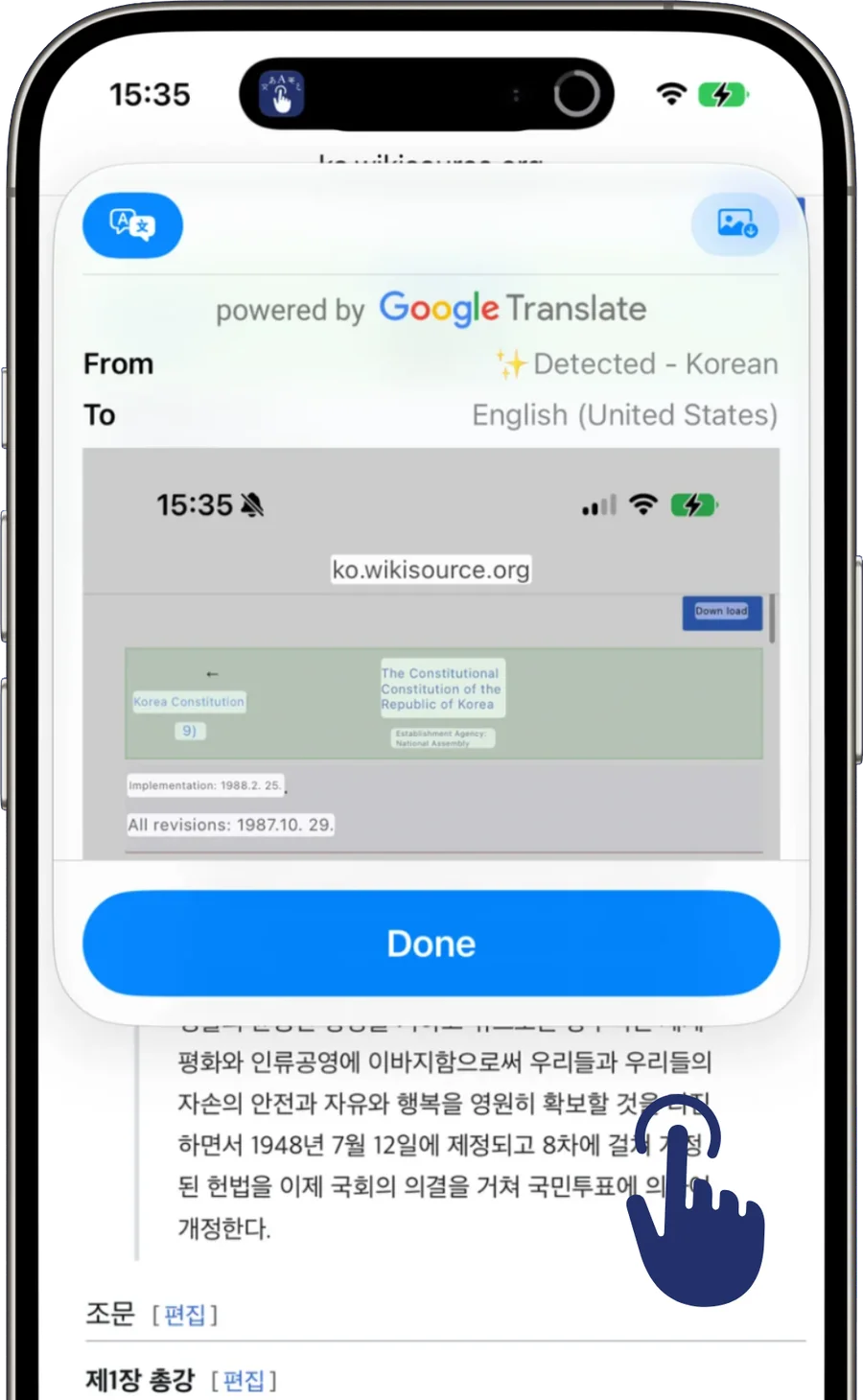
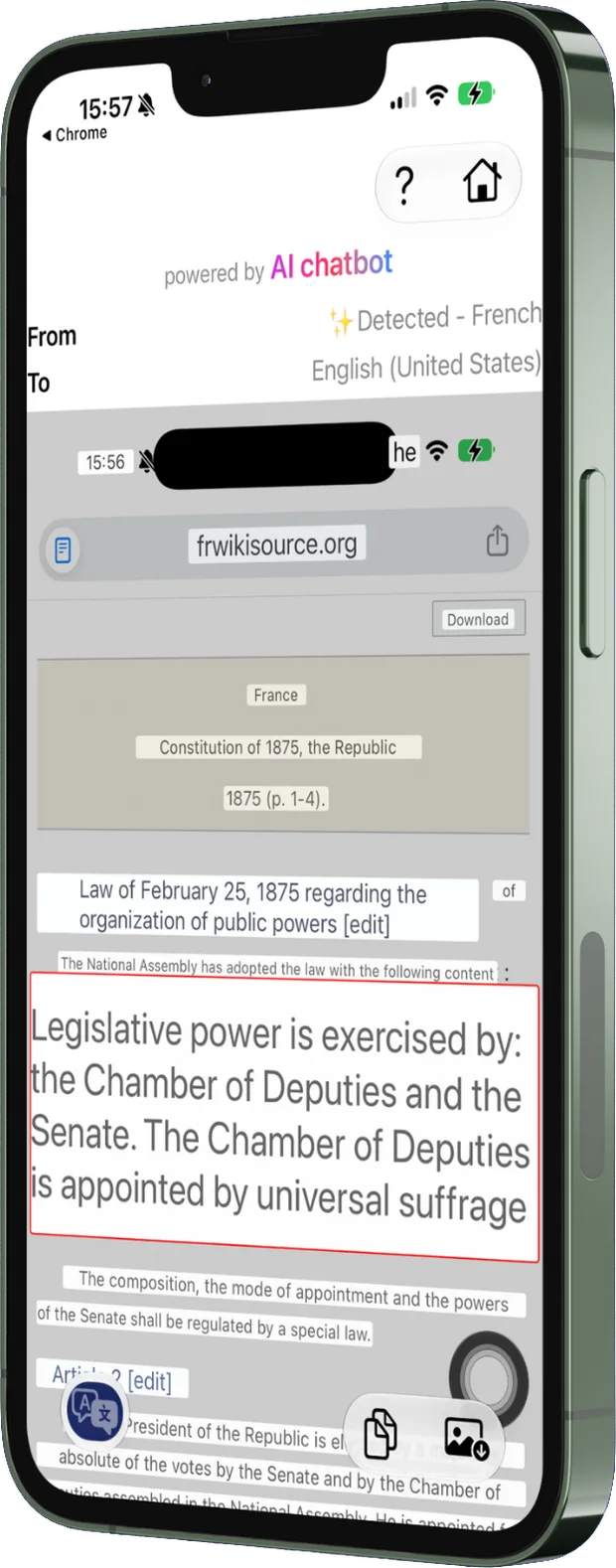
Double-tap the AssistiveTouch button and TapTranslate captures whatever is on screen, reads the text, and lays the translation back over the original — without leaving the app you were in.
For iPhone and iPad · iOS 17+ · 3-day free trial, then a one-time $3.99
700K+
translations
4.5★
global rating
35K+
downloads
How it works
Three steps, and one of them is setup.
-
01
Add the shortcut, once
Pick a shortcut in the app and attach it to AssistiveTouch as your Double-Tap action. A one-time setup of about a minute.
-
02
Double-tap on any screen
A web page, a game, a PDF, a chat, a photo — anywhere text appears. The shortcut captures the screen without you leaving the app you are in.
-
03
Read it in your language
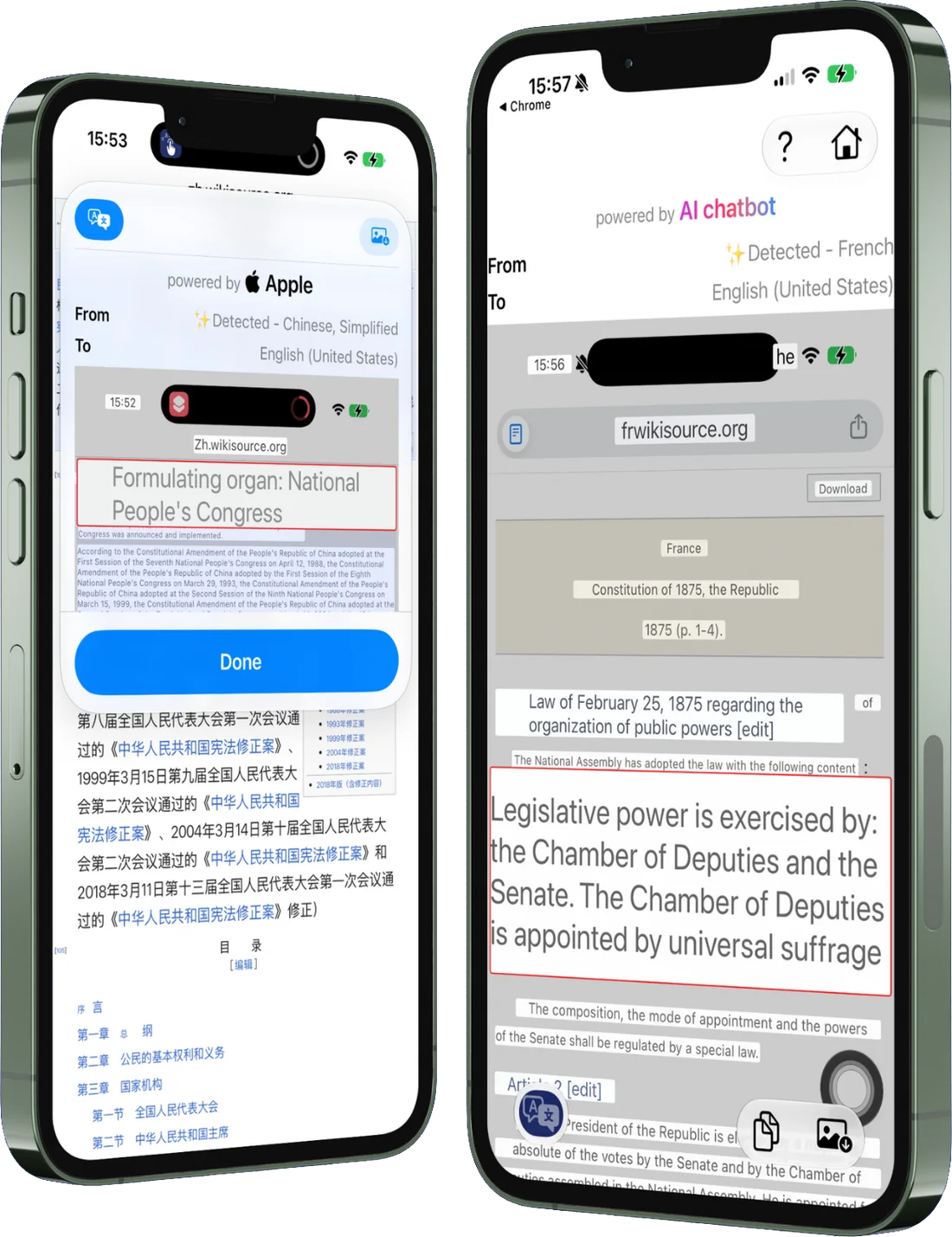
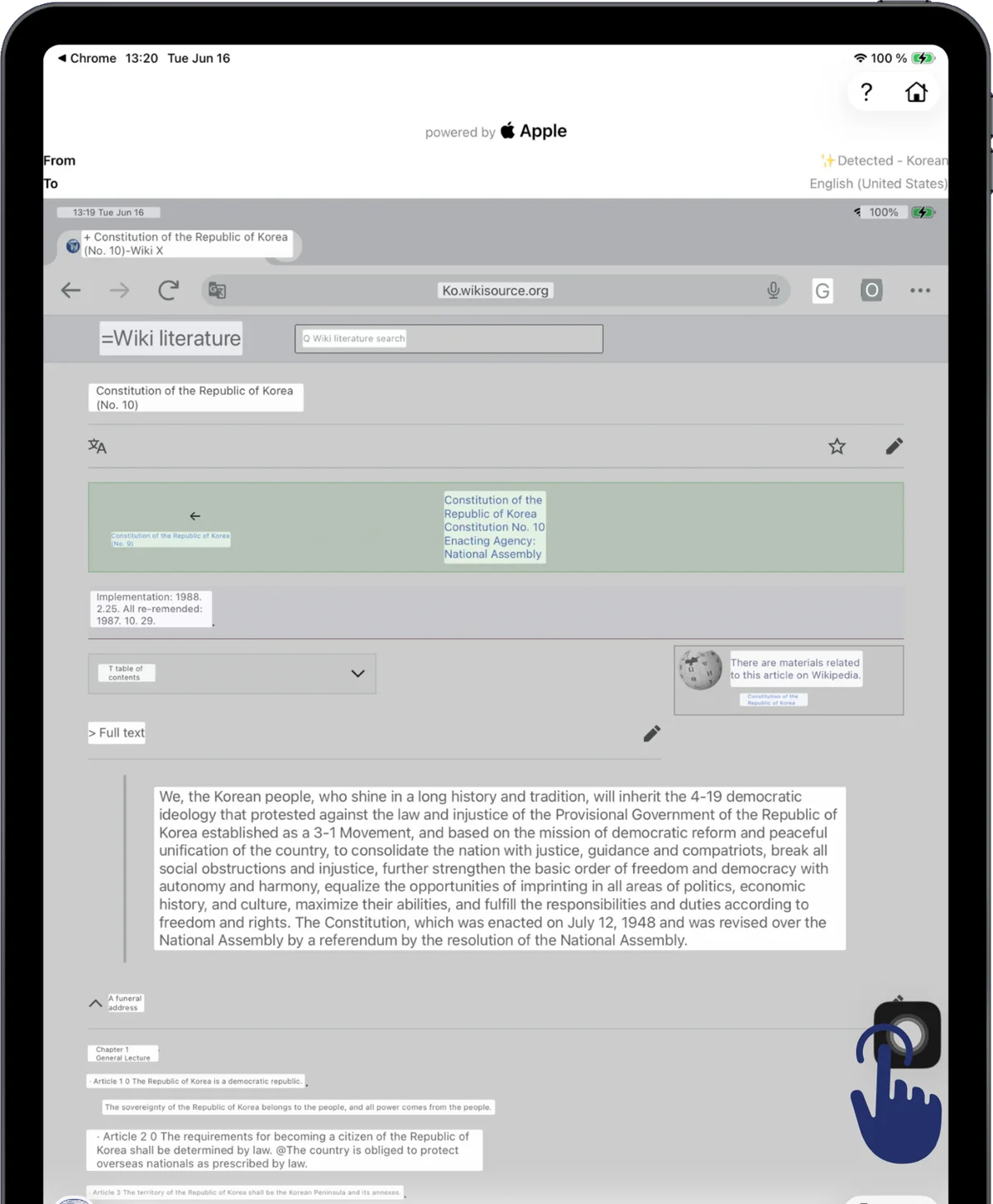
Text is recognized, translated, and drawn back over the original — in place, so the layout you were reading still makes sense.

The setup is the only fiddly part, so it has a page of its own: how to translate your screen on iPhone or iPad.
On-device mode
Instant, and it works offline.
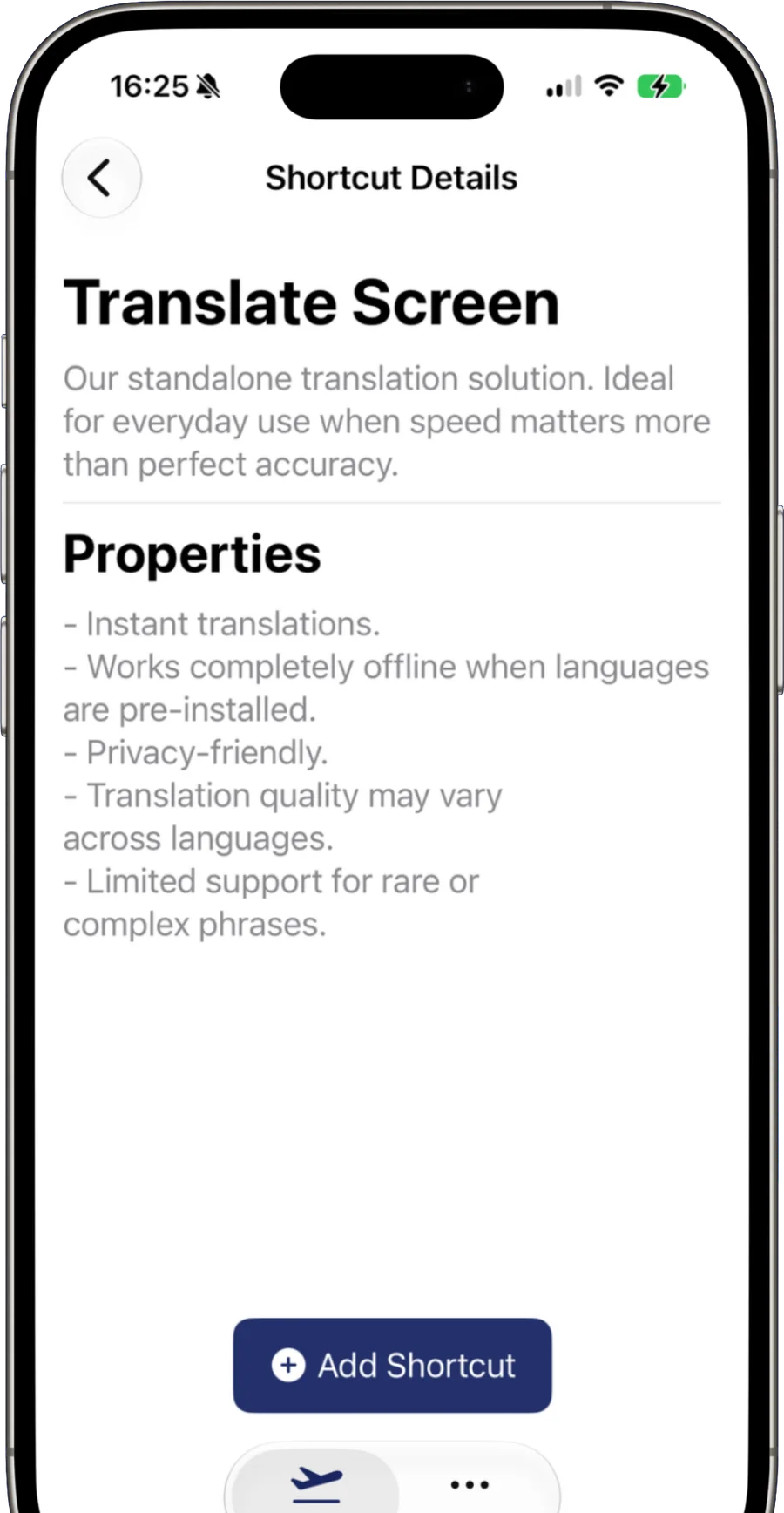
The standalone mode runs recognition and translation on your phone, against models it downloads once. Grab the language pairs you need and it keeps working on a plane, on a foreign SIM, or with no signal at all — the content of your screen never leaves it.
- Instant translations
- Completely offline once languages are installed
- Privacy-friendly
- Quality varies by language; rare or complex phrasing is harder
AI mode
Smarter, natural results.
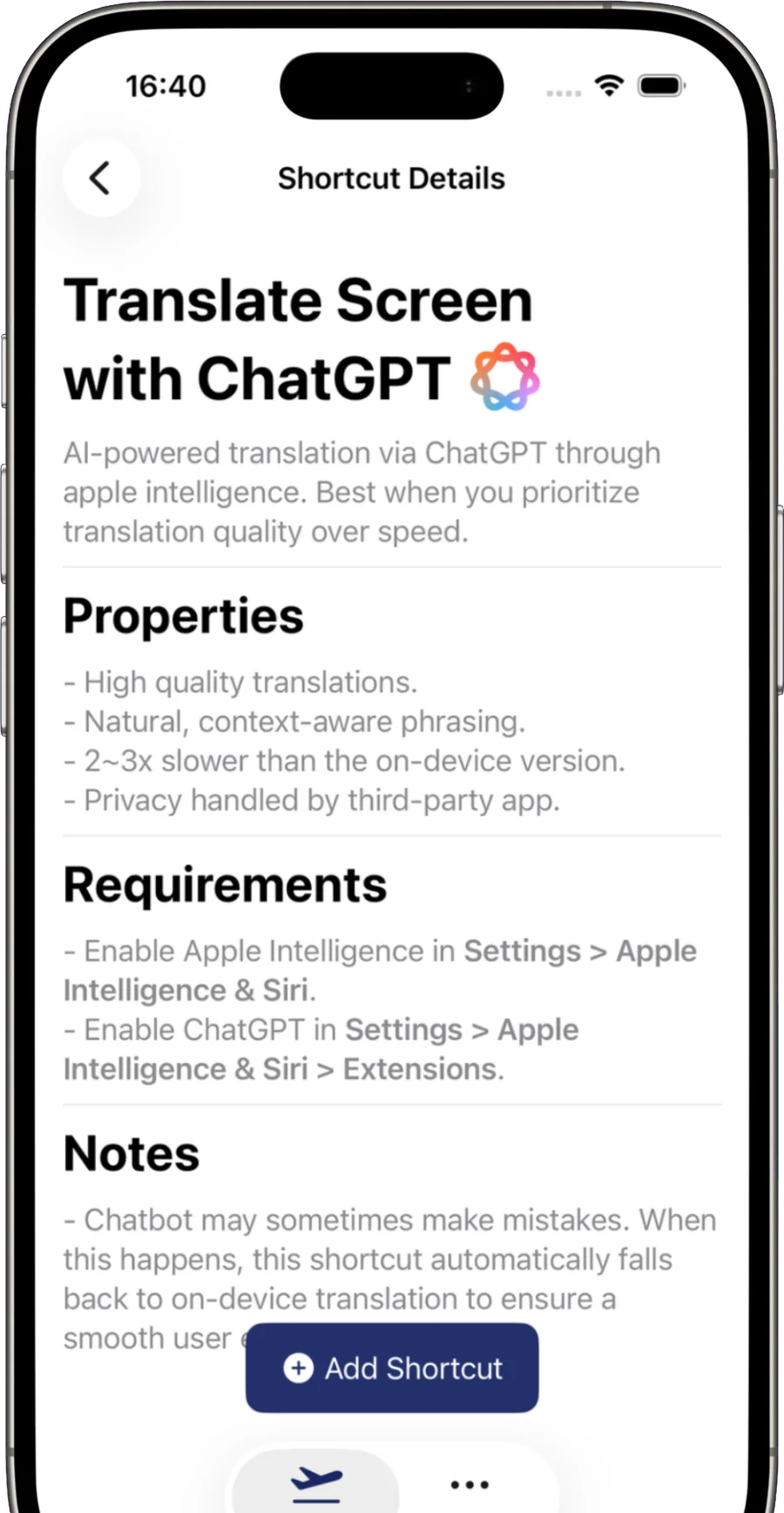
When the phrasing matters more than the wait, the AI shortcut hands the recognized text to ChatGPT through Apple Intelligence and gets context-aware translation back. If the chatbot stumbles, the shortcut falls back to on-device translation on its own.
- High-quality, context-aware phrasing
- Falls back to on-device translation automatically
- Two to three times slower than the on-device mode
- Needs Apple Intelligence and the ChatGPT extension switched on; privacy is then handled by that app
Which mode
Speed, or phrasing.
| On-device | AI chatbot | |
|---|---|---|
| Speed | Instant | 2–3× slower |
| Works offline | Yes, once installed | No |
| Phrasing | Literal | Natural, context-aware |
| Text leaves the device | No | Yes — to the chatbot app |
| Requires | iOS 17+ | Apple Intelligence + ChatGPT |
Both live side by side in the app — add one shortcut, or both, and pick per situation.
Interactive display
Floating, or full screen.
Floating screen puts the result in a compact sheet over whatever you were doing, without opening the app — quickest for a glance at one paragraph. It is an iPhone-only mode.
Full screen opens TapTranslate itself and gives you the whole toolkit: zoom, copy, save, and the toggle back to the original. Switch between the two in More → UI.
The result screen
A translation you can work with.
The translation is not a screenshot you are stuck with — every block stays live.
-
Tap to zoom
Pinch into any part of the translated image.
-
Long press to copy
One block, or every translated line at once.
-
Show original
Toggle between the source text and the translation.
-
Save to Photos
Keep the translated image, ready to share.
-
Per block or per line
Group recognized text by block or by line.
-
Style the overlay
Colour, stroke, corner radius, bounding boxes, minimum scale.
60+ languages
Fluent everywhere.
From Afrikaans to Welsh, with both Chinese scripts and both English variants. Automatic detection can pick the source language for you, or set the pair by hand when you already know what you are reading.
Automatic detection is a beta feature: it reads one language per screen and picks the most frequent one, so for mixed or non-Latin scripts choosing the source by hand is still the reliable route.
iPad
The same double‑tap, on a bigger page.
TapTranslate is a universal app. On iPad the full-screen result has room to show a whole document at once, which is where the overlay-in-place approach earns its keep — long articles stay readable in their original layout.
The floating-screen mode is iPhone-only; on iPad results open full screen.
Privacy
Your screen stays on your phone
In on-device mode the screenshot, the text recognition and the translation all run locally against models downloaded to your device — the content of your screen is never uploaded anywhere. In AI mode the recognized text does go to the chatbot app you chose, and that app's own privacy terms apply from there.
The App Store privacy label for TapTranslate reads “Data Not Collected”.
Pricing
One payment, not a subscription
TapTranslate is free to download and free to try for 3 days. After that, a single $3.99 in-app purchase unlocks lifetime access — no renewals, no monthly fee. Prices are US App Store prices; your local store may differ.